Scan a card.Find out what it's worth.
Use the live Scanner in the mobile app or upload a photo from your computer. We'll recognise the card in the blink of an eye. How does it work?
Scan at full power
The card Scanner is built for mobile devices. Install our app to use your camera in real time.
Installation guideCamera on
Place the card in the frame
Your camera is now
your personal appraiser
No more typing names and searching through thousands of cards. Just point your phone at the physical card.
Our vision system identifies the card and finds it in our catalogue, and we refresh prices straight from market sources.
What do you get with the Scanner?
We built a tool that takes the tedious work out of managing your collection.
Card recognition
One photo is all it takes. We analyse the image and match the card, edition and variant in a split second.
Instant valuation
From scan to market value in under 2 seconds, based on data from many marketplaces.
Price history
See how the card's value has changed over time. 7, 30 and 90 day charts are available right after the scan.
Add to collection
One click after the scan and the card goes into your virtual collection, with its value updated automatically.
One photo and the card goes straight into your collection
No extra clicks. You scan, see the price and add it.
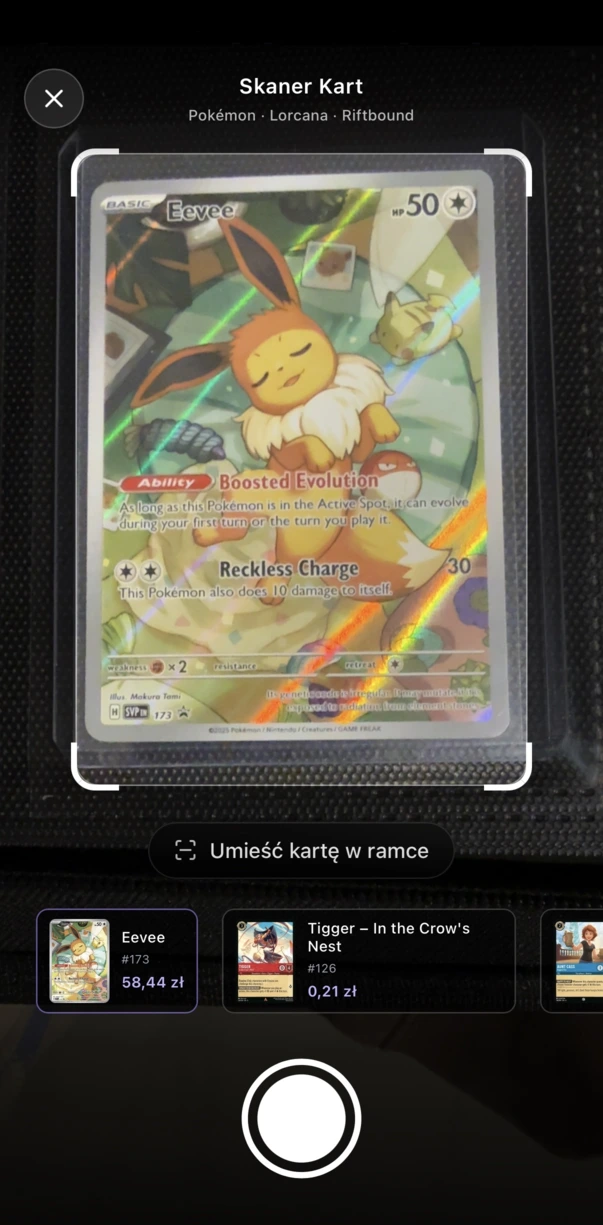
1. Scan
The camera locates and identifies the card.
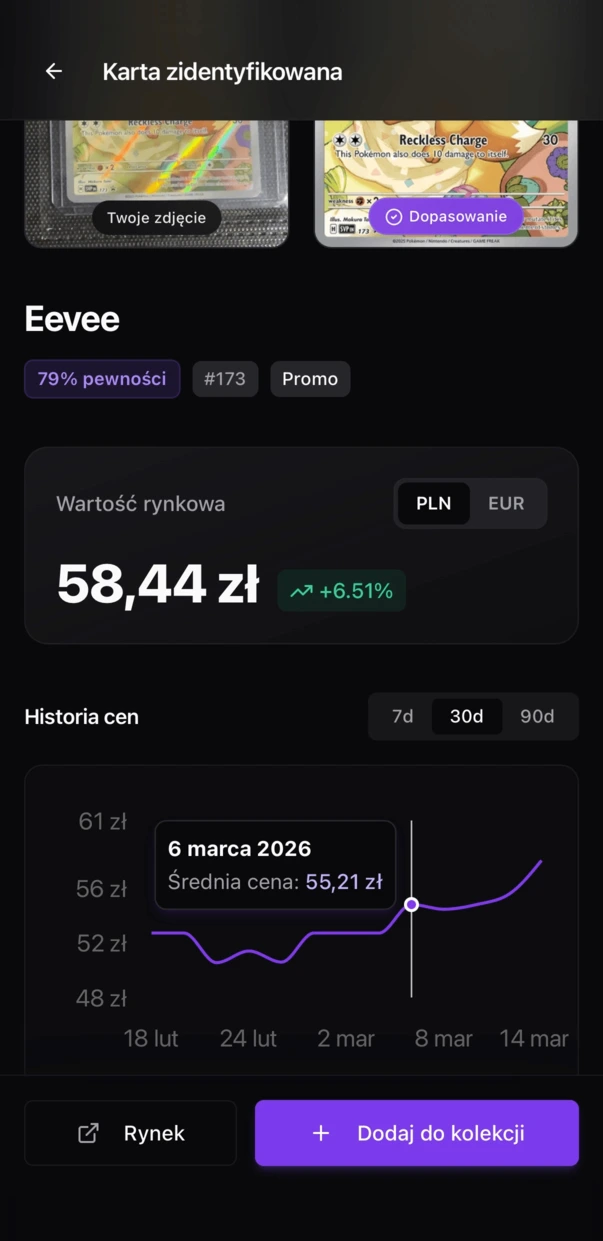
2. Value
You check the market and trends in an instant.
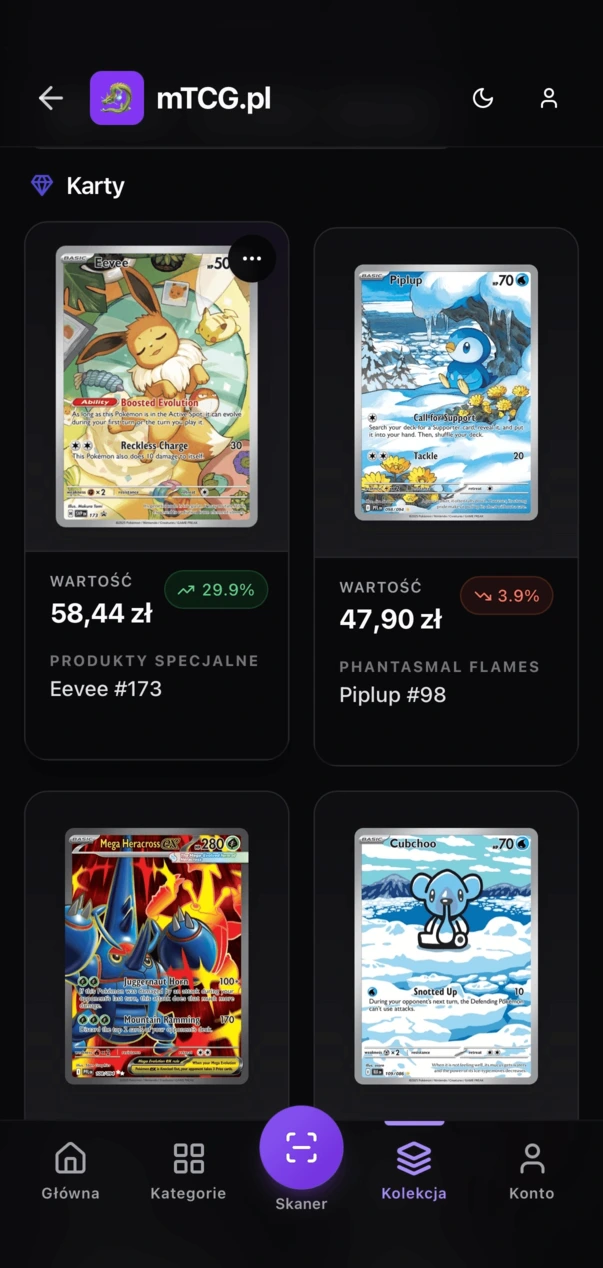
3. Add
You save it to your virtual binder.
An app without the App Store
The Scanner uses advanced browser features. To keep it smooth and give it camera access, add mTCG to your home screen.
Open in your browser
Go to mtcg.app in Safari (iOS) or Chrome (Android).
Add to home screen
Tap share and choose “Add to Home Screen”.
Launch and scan
Open mTCG from your phone's home screen like any other app.
iOS users (iPhone)
Open the site in Safari. Using another browser on iOS may block the installation.
Android users
Open the site in Chrome. Usually a banner inviting you to install will appear at the bottom of the screen.
Do you stream pack openings?
Scanner Studio recognises cards from your camera live, and the OBS overlay shows viewers their prices, the most valuable pulls and the value of the whole opening.
- Live recognition
- OBS overlay
- Free during the pilot
 LiveDiablesTCG · Blind Monk (Signed)
Frequently asked questions
Q.Is the Scanner free?
Yes. The card Scanner is completely free for every logged-in mTCG.app user.
Q.Why do I need to install the app?
The Scanner works locally and uses your device's camera directly. Installing it as a PWA (on your home screen) gets around browser limits and gives you a steadier, smoother picture.
Q.Which cards can I scan?
We recognise cards from the sets available on mTCG.app (Pokémon, One Piece, Lorcana, Riftbound and Cyberpunk). We keep improving recognition and adding older and rarer sets.
Q.Where do the prices come from?
The market value is estimated from publicly available listings on many marketplaces, taking into account the card's language, its condition and how many listings there are.
Ready to scan your first card?
Log in and stop wasting time on valuing cards by hand. Thousands of cards are waiting.